

International Per Diem Screenshots
Please be sure to watch the Per Diem Training Video
for a Walkthrough.
75% on travel days: On a travel day when you leave very early, you still receive 75% of the Meals and Incidental Expenses (M&IE) per diem rate for that location, regardless of your departure time. This is a standard rule, not an exemption, because the assumption is you'll incur some expenses even with a very early departure, but less than a full day at your destination. You'll receive the 75% rate for the day you depart and the day you return to your home base.
Instructions
- Create a Report in Concur.
- New Required Header Field of “What type of travel expenses are you claiming?” Please be aware that if you choose "No Travel" or "Domestic" and still try to enter per diem, the report will fail on submission.
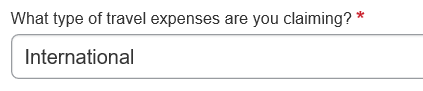
- Domestic
- International
- No Travel
- Choose International to claim Per Diem.
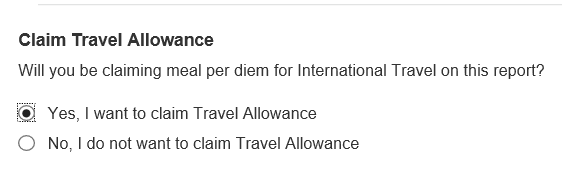
- At the bottom of the page under Claim Travel Allowance choose "Yes, I want to claim Travel Allowance".

Use this page to enter all stops for your trip. There are options for "Detailed" or "Without Overnight" at the top of the page.
Image

- Mark any meals being provided. The right side now shows the amount being paid for per diem. These meals that should not be included in your per diem such as conference provided foods or group meals.
Image

- This is how it looks on an expense report.
Image

- Incidentals now show on a separate line on the expense report. Nothing more needs to be done for Incidentals, but for the per diem lines, you will need to click through and enter the Region and purpose information on each.
Image

